 RelayDM
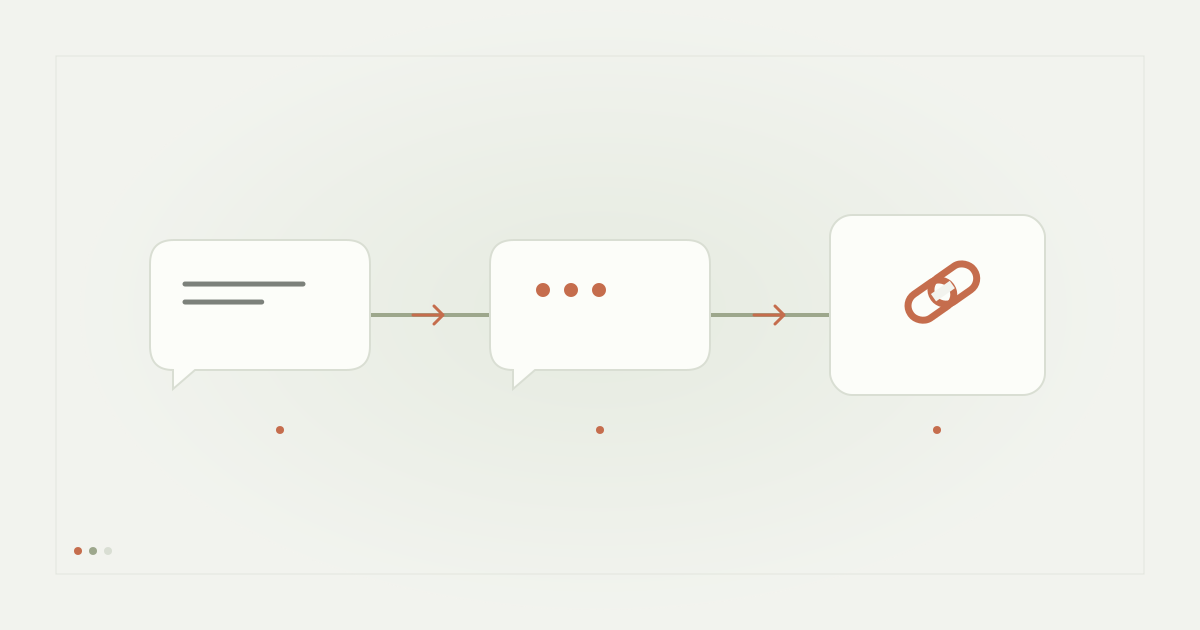
A WhatsApp link in an Instagram DM is a destination choice, not proof that the two inboxes are automatically synchronized. The recipient decides whether to open the link and begin a WhatsApp conversation. Design the handoff so the destination is expected, belongs to the correct business and works on the recipient’s device.
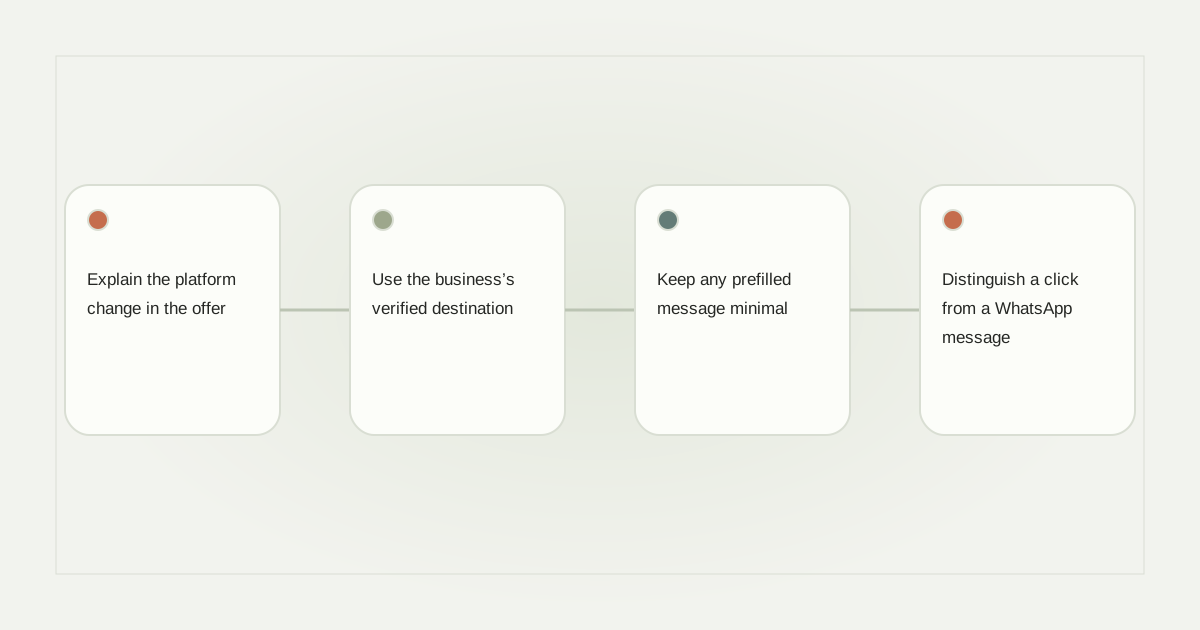
Explain the platform change in the offer
If a post promises a PDF, deliver the PDF rather than unexpectedly forcing a WhatsApp conversation. If the purpose is to contact a business on WhatsApp, say so: “Comment CHAT for our WhatsApp enquiry link.” That lets the person understand the next platform before requesting it.
The opening message should repeat the destination briefly. “Here is the WhatsApp contact link you requested” is clearer than “Unlock your access.” Avoid implying that clicking a URL automatically books an appointment or confirms an order.
Use the business’s verified destination
Follow WhatsApp’s official click-to-chat guidance and confirm the destination number with its owner. Do not copy a link from an old campaign without checking whether the number still belongs to the business. Keep a responsible person for future number changes.
Test the link from a phone and a desktop. The recipient may have the app installed, may use WhatsApp Web or may need another contact route. A link that works on the creator’s own logged-in phone is not sufficient proof that every recipient can complete the handoff.
Keep any prefilled message minimal
A suggested opening such as “I’m asking about the Saturday workshop” can preserve useful context. Avoid prefilled text containing sensitive information or assumptions about the recipient. The person should be able to review what they send in the destination application.
Do not put email addresses, private Instagram identities or access tokens into the URL. Links can be copied, logged and shared. If a staff member needs more context, collect it appropriately within the actual conversation rather than hiding it inside a long tracking parameter.
Distinguish a click from a WhatsApp message
Your Instagram link tracker may observe a redirect request. That does not prove that WhatsApp opened successfully or that the person pressed Send. Report the handoff stages separately unless you have a legitimate, tested integration that establishes a later outcome.
A hypothetical report might distinguish destination clicks from enquiries recorded by staff. Do not rename a click “WhatsApp lead” merely to make a campaign look stronger. See the conversion tracking guide for the same measurement principle.
Decide who handles the receiving conversation
The destination inbox needs an owner, opening hours and a sensible response process. If the number is only occasionally monitored, explain the expectation rather than promising instant help. Consider a backup public contact page if the link fails.
Also keep channel permissions distinct. An eligible Instagram resource message does not establish authorization for every future WhatsApp marketing message. The data handoff guide can help separate the original request from later contact purposes.
Use supported Instagram delivery only
A genuine URL button may carry the validated destination where that format is qualified. It is not an embedded WhatsApp chatbot or a native shared inbox. Read comment-to-link delivery and check RelayDM’s current availability. Do not represent this editorial workflow as an enabled cross-platform connector or remove customer sending gates to demonstrate it.
Sources and editorial notes
Source review: November 1, 2026. This is research-based guidance, not an independent hands-on test of every product. Prices and permissions can change.
Read our methodology, product-availability policy and corrections process.