 RelayDM
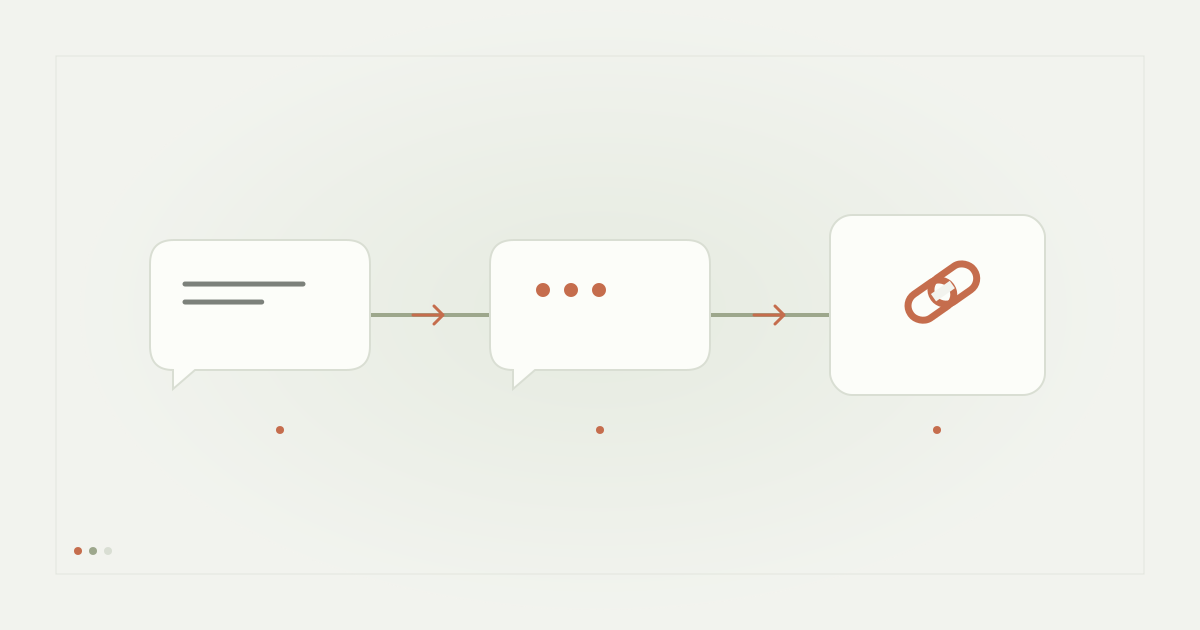
An Instagram course-link workflow must say whether the recipient is receiving a free preview, a course information page or paid enrollment. Those are different promises. A message or button should never imply that a student has purchased access merely because they requested a syllabus or clicked a link.
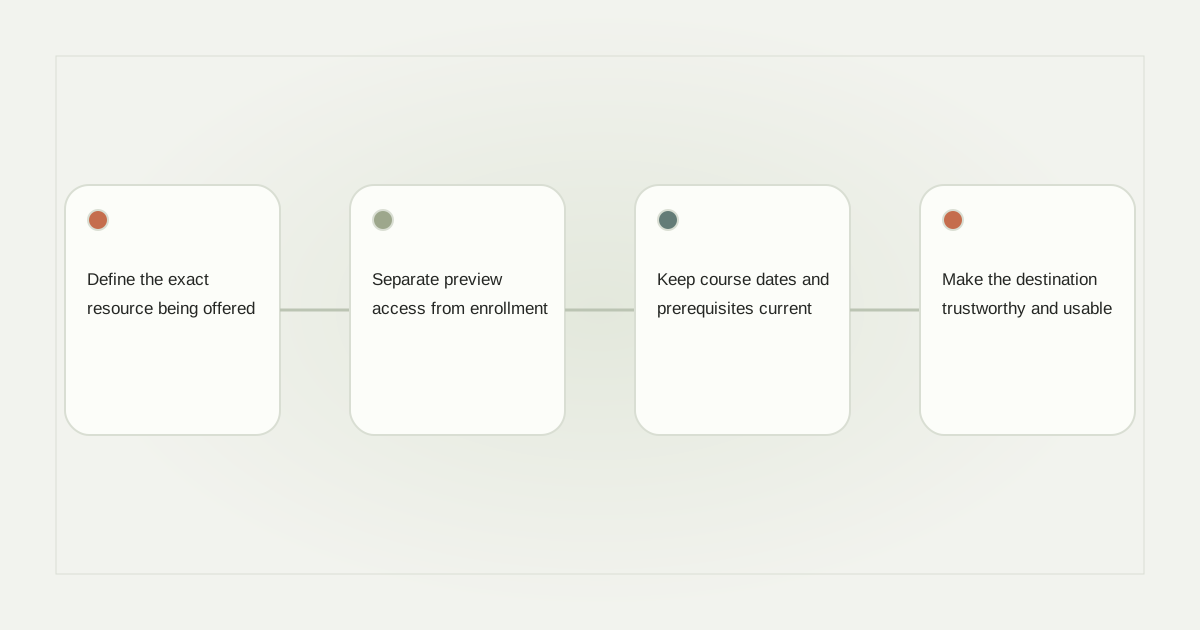
Define the exact resource being offered
A teacher might offer a sample lesson, a downloadable syllabus or a place in a paid programme. Name that resource in the post and the delivery message. “Comment SAMPLE for the first lesson” is clearer than “Comment ACCESS” when most course content remains paid.
State important requirements before the recipient begins. If the preview needs an account, explain that. If the programme has a scheduled cohort or a particular teaching language, make those details visible on the destination page rather than leaving the student to discover them after registration.
Separate preview access from enrollment
For a free preview, a delivery might say “Here is the sample lesson; it is separate from full-course enrollment.” For a paid course page, use wording such as “Review the syllabus and enrollment terms.” Choose a URL button label that matches the actual task.
Do not let an automation set a paid-access flag because it received a message reply. Enrollment should follow the course platform’s legitimate process and, when payment is required, authoritative payment evidence. A success-looking redirect alone is not proof that the student paid.
Keep course dates and prerequisites current
Review start dates, lesson availability, prerequisites and any promised support. A recorded course and a live cohort require different expectations. If enrollment closes, update the destination and any campaign copy that implies places remain available.
Assign an owner to every active course link. An old Reel can continue receiving comments long after a cohort finishes. A stable information page can explain the current status without silently enrolling people into a different programme.
Make the destination trustworthy and usable
Open the page on a small phone and check the syllabus, price presentation, access requirements and contact route. Verify that links to terms or support work. Do not ask students to send payment credentials, login codes or sensitive documents through a routine Instagram resource message.
If the course uses a third-party checkout or learning platform, explain the transition. A recipient should understand which organization receives their information and where they will find the course after completing the legitimate enrollment process.
Prepare access and support exceptions
Plan for a learner who cannot open the preview, uses a different email at checkout or asks a suitability question. These need appropriate help rather than another automatic sales prompt. Keep a record of what was requested and what access the course system actually confirms.
Read the resource format guide for downloadable material and data handoff checklist for contact records. A course enquiry should not silently become permission for unrelated marketing.
Evaluate the full journey honestly
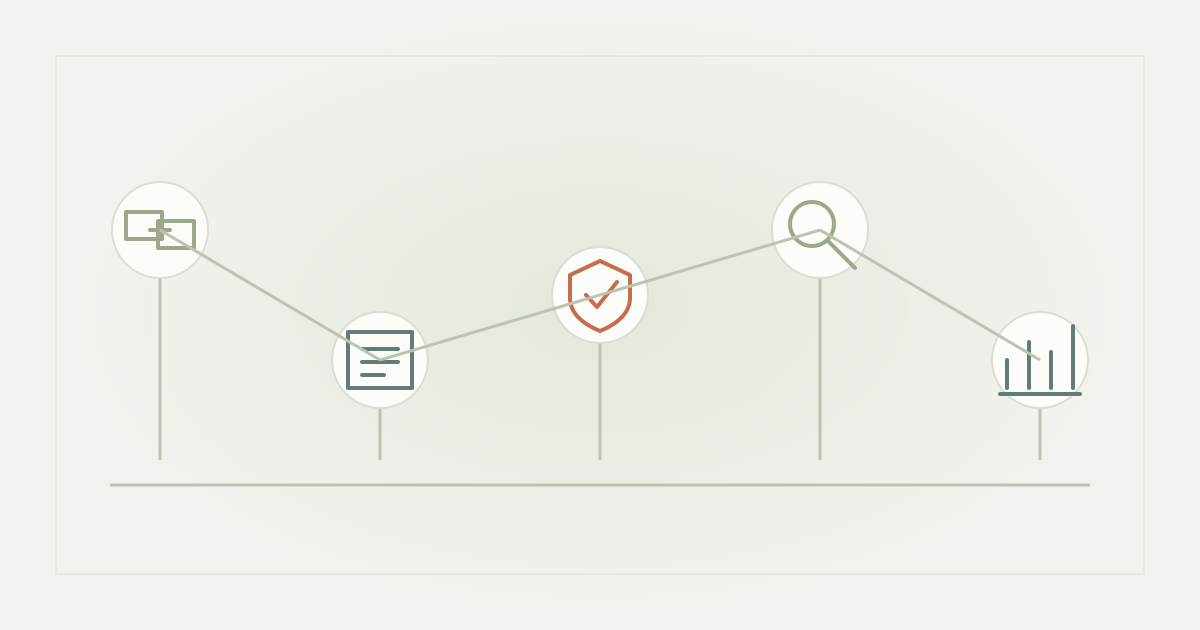
Measure preview requests, destination visits and verified enrollments separately. The attribution guide explains the distinction. RelayDM’s current availability must also be respected: this editorial course example does not qualify general sending, change trial eligibility or authorize any real financial action.
Sources and editorial notes
Source review: November 1, 2026. This is research-based guidance, not an independent hands-on test of every product. Prices and permissions can change.
Read our methodology, product-availability policy and corrections process.