 RelayDM
A good Instagram DM template makes the next action obvious without pretending to be a personal conversation you did not have. Write for a specific request, not a generic funnel. The examples below are editorial starting points for eligible conversations; they do not grant messaging permission or establish that a particular tool can send every format.
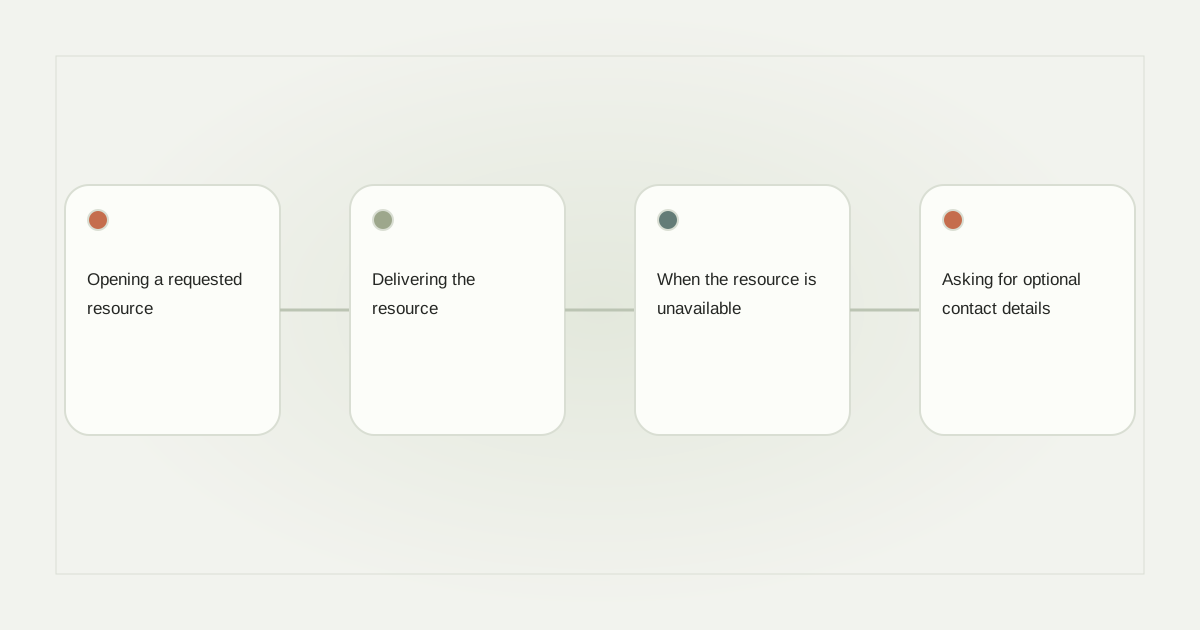
Opening a requested resource
For a budgeting worksheet, try: “Thanks for requesting the budget sheet. Would you like me to send it here?” A supported reply action could say “Send the sheet.” The message names the resource, explains the next step and avoids an unrelated sales pitch. Where native actions are not qualified, use an honest supported response instead.
Personalize the resource name before the person’s name. A missing first-name variable looks awkward, while “Your balcony planting guide is ready” still makes sense. Check the fallback when no reliable profile name is available. Do not infer a name from a username and present it as verified information.
Delivering the resource
After an eligible interaction, use: “Here is the budget sheet you requested. Start with the monthly expenses tab.” A URL action such as “Open budget sheet” is more useful than “Click here.” The destination should open the actual resource or a page that clearly explains how to access it.
For a download that requires software, say so before the click: “This version opens in a spreadsheet app.” Avoid promising an instant PDF if the next page asks for payment or an account. Our lead-magnet planning guide helps align the promise with the asset.
When the resource is unavailable
Use a straightforward correction: “The workshop replay is no longer available. I can point you to the current public notes if that would help.” Do not keep an expired registration link attached to a cheerful delivery template. If the automation cannot handle that branch safely, pause it and have a person respond.
A stock apology is less useful than a concrete alternative. State what changed, what remains available and whether further action is optional. Never manufacture scarcity or claim a link has been reserved when the system does not reserve anything.
Asking for optional contact details
After delivering a promised resource, a separate question might say: “Would you like an email copy of this worksheet? Share an address, or skip.” That wording is different from subscribing someone to a promotional mailing list. Explain any future use separately and preserve the person’s choice.
Include the product’s actual mandatory notice, not just the shorter example. Avoid collecting phone and email by default when one field is sufficient. See consent-aware collection for input validation and recordkeeping considerations.
Handing over to a person
For an unexpected question, write: “This needs a person from our team. Please describe the issue without payment details or passwords.” Give a response-time expectation only if the team can meet it. An after-hours message should not claim that someone is already reviewing the conversation.
Review templates as a sequence, including the recipient’s actual action between messages. Meta’s private-reply rules limit how that sequence begins. RelayDM previews help prepare copy, but general customer delivery remains gated. Check current availability, then use only formats and recipient contexts genuinely enabled for your account.
Sources and editorial notes
Source review: November 1, 2026. This is research-based guidance, not an independent hands-on test of every product. Prices and permissions can change.
Read our methodology, product-availability policy and corrections process.