 RelayDM
If an Instagram keyword DM is not working, first determine whether the rule failed to match or a later delivery stage failed. Editing keywords cannot repair an expired connection or an uncertain provider send. Keep the exact comment sample and compare it against the saved rule before creating another live interaction.
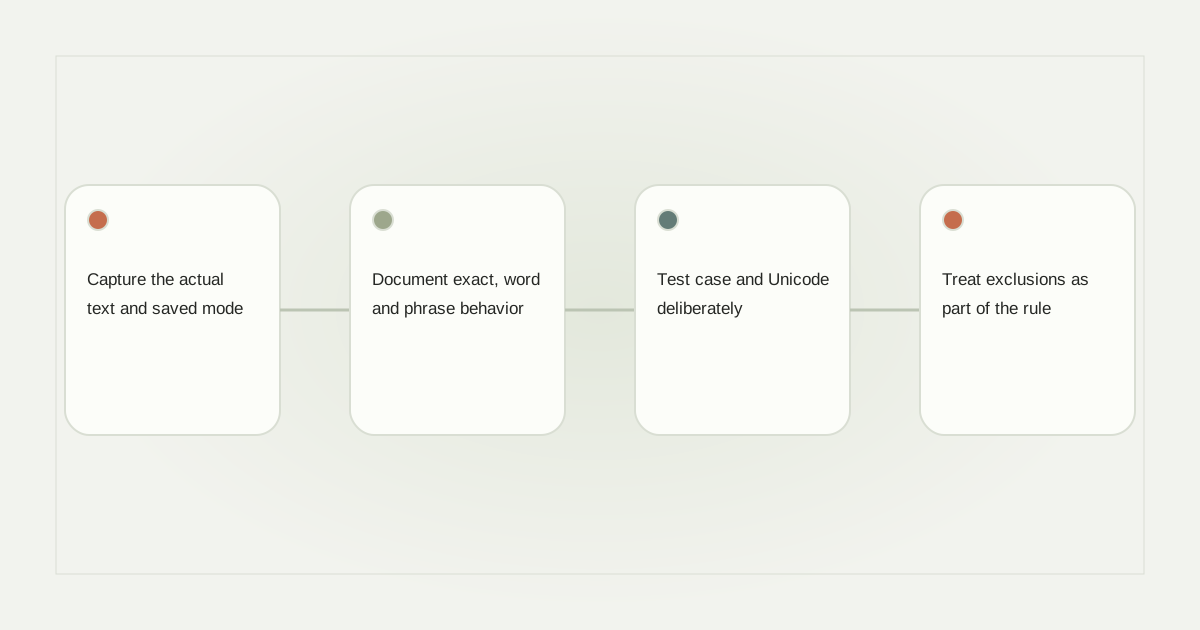
Capture the actual text and saved mode
Write down the post association, rule mode and keyword as saved after reload. Distinguish all-comments mode from a specific-keyword rule. A creator may edit an input without committing the chip or may leave a draft unsaved while an older published rule remains active.
For a rule intended to match GUIDE, create a small offline test list: “GUIDE,” “guide,” “Please send the guide,” “guided tour,” and “not the guide.” Decide which should match before checking the implementation. Otherwise every surprising result becomes an excuse to broaden the rule.
Document exact, word and phrase behavior
Exact-comment matching, whole-word matching and substring matching produce different outcomes. A substring search for “art” can match “party.” A whole-phrase rule may reject extra punctuation or words unless the product explicitly handles them.
Choose the narrowest behavior that fulfills the public promise. If the post says “Comment SIZE for the size guide,” broad matching on a common word may create unwanted responses. Do not assume that a feature named smart matching has a universal or infallible meaning across tools.
Test case and Unicode deliberately
Visually similar text can have different underlying character sequences. Unicode normalization can make some equivalent forms comparable, but it does not solve every spelling, script or intent difference. The Unicode normalization specification explains the defined forms; a product still needs an explicit matching policy.
Include accented text, full-width characters and copied mobile text in the test set if those appear in your audience. Do not silently strip every unfamiliar character. That can change meaning or make a rule match material the creator never intended to target.
Treat exclusions as part of the rule
A word appearing in a complaint or a quoted example may not represent a request. If the system supports exclusions, test them against representative comments and verify their order relative to inclusion rules. If it does not, narrow the campaign or send uncertain cases to review.
Record the decision for ambiguous examples. A test expectation such as “do not reply to a complaint containing LINK” is more useful than repeatedly changing a keyword until one demonstration succeeds. Keep this matching review separate from any decision to moderate the public comment.
Save, reload and compare identities
After editing, reload the draft and confirm that chips, rule mode, selected account and selected post remain correct. Then inspect which version is actually published. Duplicate drafts should not silently become active, and a rule attached to another Reel cannot explain the current event.
Use the keyword design guide for initial choices and error-stage diagnosis when a matching event exists but delivery does not. Avoid live resend experiments while provider outcomes remain uncertain.
Know when to stop editing the keyword
Once evidence shows the event matched, move to the next failed stage. Read the comment-to-DM recovery checklist rather than expanding the trigger. Check RelayDM’s current capability restrictions as well; a valid draft rule does not override account eligibility, subscription enforcement or customer sending containment.
Sources and editorial notes
Source review: November 1, 2026. This is research-based guidance, not an independent hands-on test of every product. Prices and permissions can change.
Read our methodology, product-availability policy and corrections process.