 RelayDM
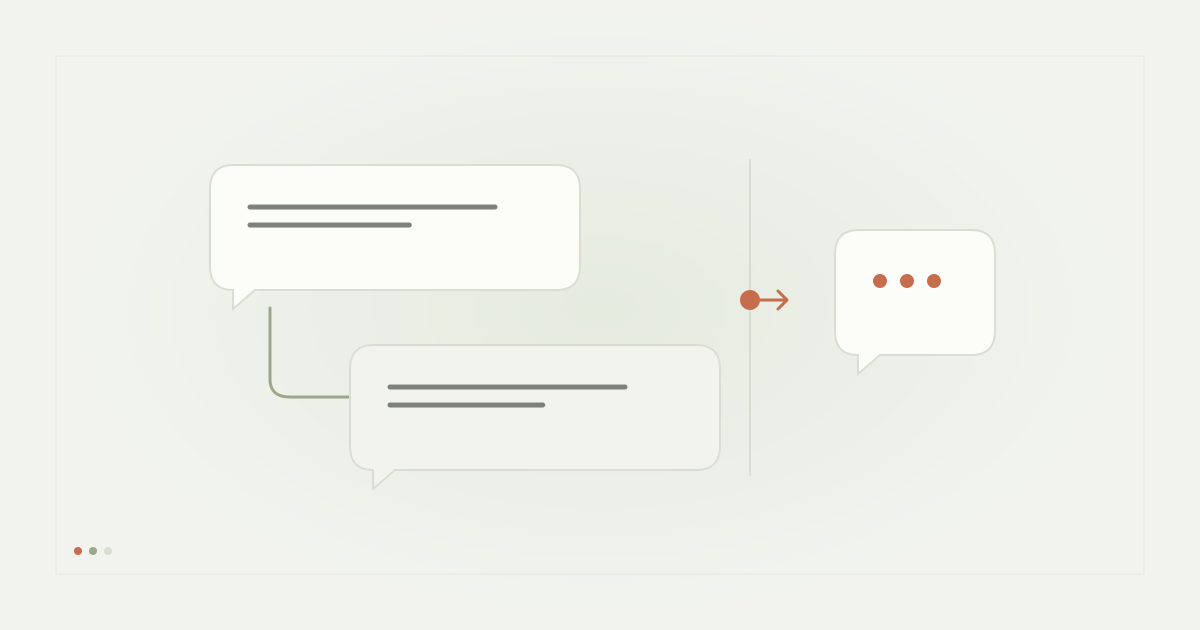
Meta Business Suite auto replies and a comment-to-DM campaign can address different customer needs. One starts from an inbox-management task; the other starts from a specific request on a post. Before choosing software, write down the event you want to respond to and the outcome the customer expects.
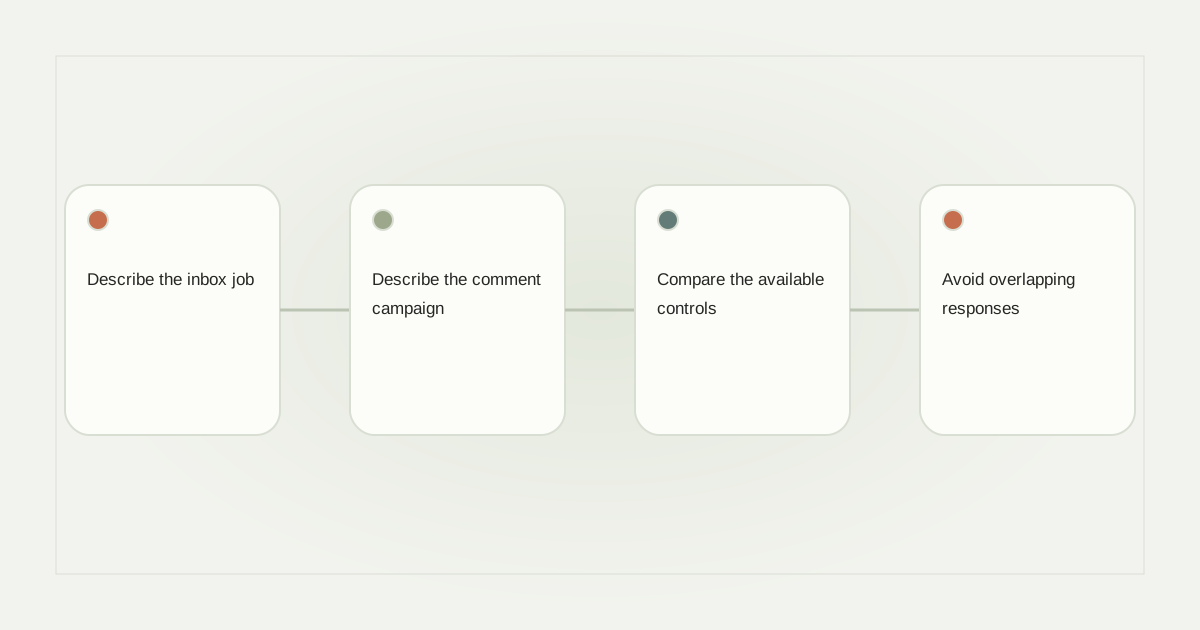
Describe the inbox job
A local repair shop might need an acknowledgement when someone asks about opening hours. Its main problem is coverage: messages arrive when the owner is serving customers. A clear acknowledgement and a useful contact route may be enough. That task does not necessarily require a multi-stage resource campaign.
Open the business’s authorized Meta Business Suite account and inspect the inbox automation options actually available for Instagram. Availability and labels can change. Do not assume an option shown in a Messenger tutorial applies to your Instagram account, or that a saved response is automatically an unattended rule.
Describe the comment campaign
A post inviting “Comment REPAIR for the maintenance checklist” creates another job: associate that comment with that resource and guide the recipient through an eligible private interaction. The post, matching condition and destination all matter. An inbox greeting alone does not establish that mapping.
Meta’s private-reply documentation explains the platform path behind a comment response. Evaluate any native or third-party implementation against that path rather than assuming all products expose equivalent controls.
Compare the available controls
Make a two-column worksheet for your actual accounts. Record trigger type, channel, message, supported action, schedule, handoff, reporting and stop control. Mark an option “not verified” when you cannot inspect it. This is more useful than a broad list of features copied from different products.
For the repair shop, a sample task could be: receive an eligible enquiry, acknowledge it once, identify the requested guide and let a human handle unusual faults. Confirm whether the chosen product supports each step without adding another overlapping automation that replies to the same message.
Avoid overlapping responses
Two tools can each appear correct in isolation while producing a confusing combined experience. An inbox acknowledgement might arrive beside a campaign opening, making the business seem to repeat itself. Inventory existing native and third-party rules before enabling another response.
Assign one owner to the intended first response. Test a controlled interaction and observe all messages, not just the one from the tool being evaluated. If you cannot determine which rule generated a response, pause the new configuration and establish that mapping before expanding it.
Choose the smallest workable option
If your need is basic inbox coverage and the native account provides it, evaluate that first. If your need is a resource journey, assess media selection, matching, recipient actions and delivery evidence. Neither product category removes Instagram’s eligibility restrictions.
Our response examples help define the copy, while the comment workflow guide defines the sequence. RelayDM can represent these drafts but general customer sending remains gated. Check current availability before buying on the assumption of live delivery. This guide does not claim every Meta Business Suite account has the same automation menu.
Sources and editorial notes
Source review: November 1, 2026. This is research-based guidance, not an independent hands-on test of every product. Prices and permissions can change.
Read our methodology, product-availability policy and corrections process.