 RelayDM
Instagram comment automation connects a relevant comment to a configured action, such as a public acknowledgement or an eligible private reply. It is most useful when people ask for a specific resource. It is not permission to send an unlimited sequence to everyone who interacts with a post.
Decide which problem the flow solves
Begin with a recurring request your audience already makes. A photographer might share a location checklist; a clothing shop might answer sizing questions; an educator might send the worksheet mentioned in a Reel. Each use case has a clear completion point.
Write the outcome in one sentence: “A person who asks for the worksheet can open the worksheet.” If your design requires six messages, an email address and a follow before that outcome, consider whether those steps help the person or merely add barriers.
Choose keywords or all comments deliberately
Keywords are a useful boundary when the post contains several conversation types. A giveaway discussion, support request and resource request should not all enter the same delivery flow. Use a short keyword people can remember and test realistic variations rather than relying on a label such as “smart matching.”
All-comments mode can suit a post whose entire purpose is one invitation. It can also produce irrelevant replies. Review the actual comment mix and provide a way to pause the automation if a post attracts unexpected attention or sensitive discussion.
Separate public and private outcomes
A public reply is visible under the post. A private reply reaches a conversation context. They need different copy, permissions and success records. “Thanks for asking” can be truthful before a DM is delivered; “It is in your inbox” is a stronger claim that needs evidence.
Do not use multiple public replies to manufacture conversation. If your tool supports variants, vary the wording for clarity and tone, while keeping the promise consistent. Duplicate event delivery should still result in no more than the intended reply.
Design the conversation as a sequence
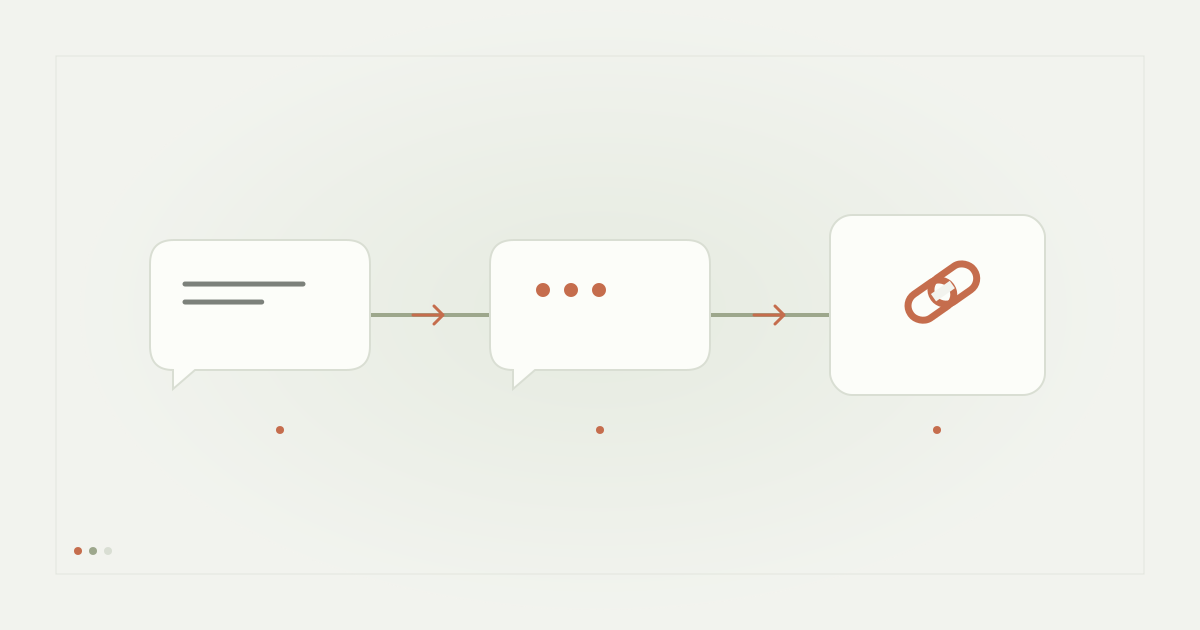
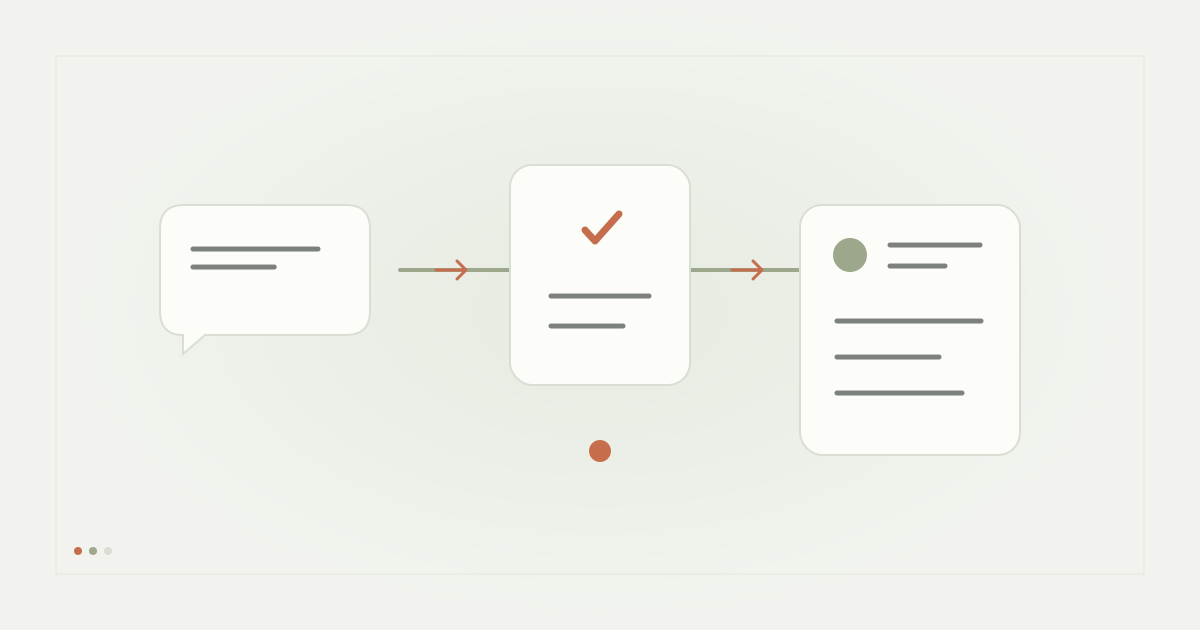
Map the trigger, opening message, recipient action and resource delivery before editing the phone preview. Make the message self-contained enough that the recipient understands why it arrived. Use a native reply action only where the integration has verified support for that stage.
A resource URL button should name what it opens. Follow checks, email questions and reminders add additional eligibility and consent requirements. Treat them as separate features rather than assuming a basic comment-to-DM test qualifies every combination.
Establish launch checks and a stop rule
Check account connection, post selection, message format, plan access and delivery authorization independently. A paid subscription is a commercial requirement; it is not a substitute for Meta permission or recipient eligibility. A connected Instagram account does not guarantee that every message type is enabled.
Set an initial conversation cap, inspect the queue and stop on uncertainty. Reliable automation needs durable processing, duplicate protection and a current sending decision immediately before delivery. The creator should be able to pause work without losing audit history.
Measure the funnel honestly
Count matching comments, attempted messages, provider-accepted messages, recipient interactions and link visits separately. They answer different questions. A high trigger count with few recipient responses may indicate unclear copy; many link visits with few signups may indicate a landing-page problem.
Avoid presenting acceptance as confirmed reading or link visits as unique customers. Use a small campaign log to connect operational events to the desired outcome, and keep personally identifying data only for a stated purpose.
Apply the approach to RelayDM
RelayDM supports building and saving these configurations, with tenant-specific connection and subscription checks. General customer delivery is still gated as of this article’s publication. The Builder preview demonstrates configuration; it does not prove a message was sent.
Start with the single-resource tutorial, review messaging limits and safety, and compare available plans. Publish only when your workspace reports the required production delivery access.
Sources and editorial notes
Source review: November 1, 2026. This is research-based guidance, not an independent hands-on test of every product. Prices and permissions can change.
Read our methodology, product-availability policy and corrections process.