 RelayDM
To automate Instagram DMs, connect an eligible professional account to an authorized integration, choose a supported trigger, configure the conversation and test it with a consenting recipient. The tool must enforce platform permissions and messaging eligibility. A scheduled script that logs in with your password is not the same architecture.
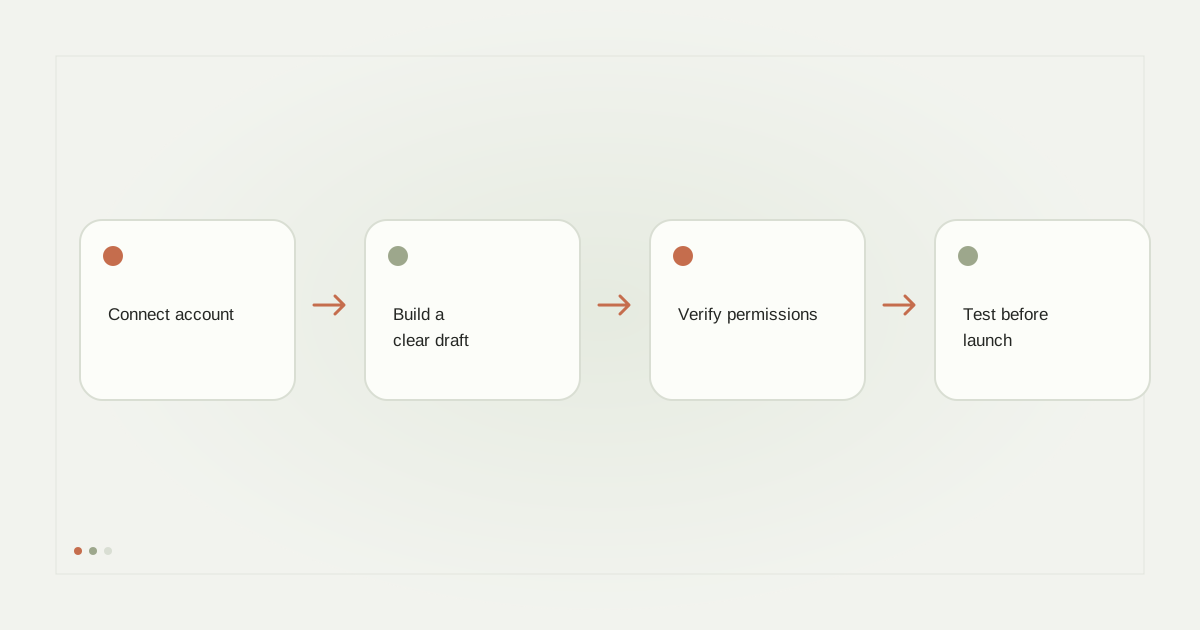
Step 1: Check the account and connection
Confirm that the account belongs to the business or creator who will send the messages. Use the provider’s official authorization flow and inspect the permissions requested. Keep control of the account and make sure you know how to revoke access if you stop using the tool.
If another person manages the business, document who can connect accounts, edit drafts, publish automations and manage subscriptions. These roles need not be identical. Avoid using a shared password as a substitute for authorized workspace access.
Step 2: Choose one supported entry point
Begin with a narrow workflow, such as a keyword comment requesting a resource. Direct messages, Story replies and other entry points can have different permission and eligibility conditions. Do not copy a flow from a tutorial without checking that your account and tool actually support its trigger.
Choose one post for an initial comment workflow. Record what a matching comment looks like and what should not trigger. A test plan should include a genuine non-match, not only the happy path.
Step 3: Write the opening and delivery messages
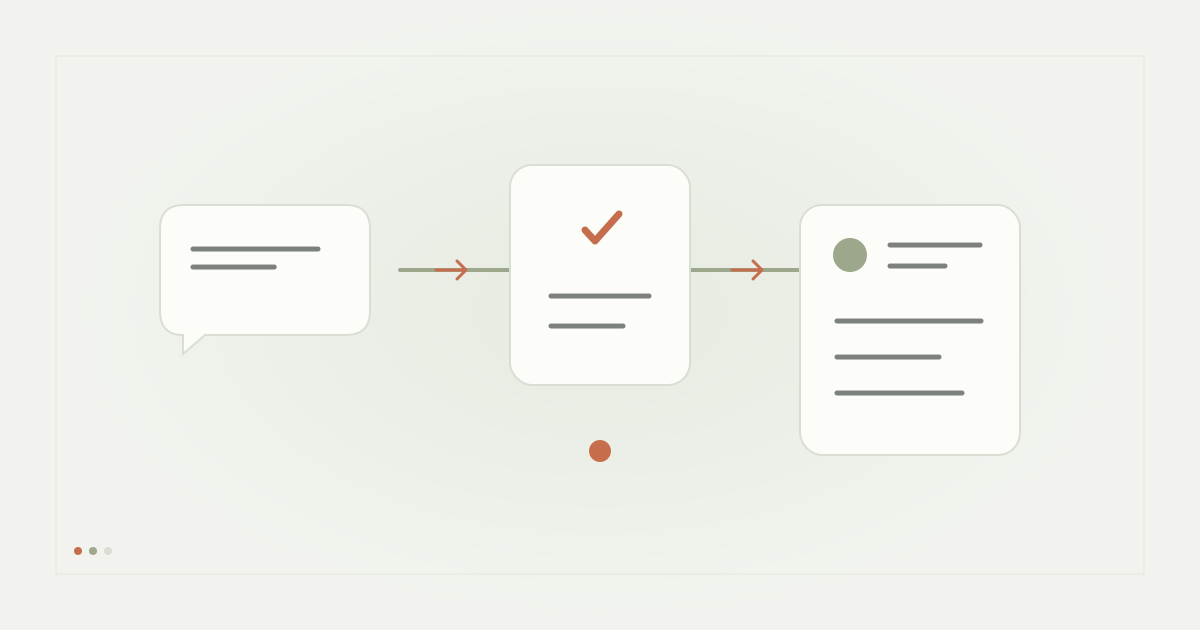
Explain the connection between the public interaction and the DM. Give the recipient one obvious next action. If a reply button is supported, its label should describe that action; otherwise, a clearly disclosed typed response can be an honest alternative.
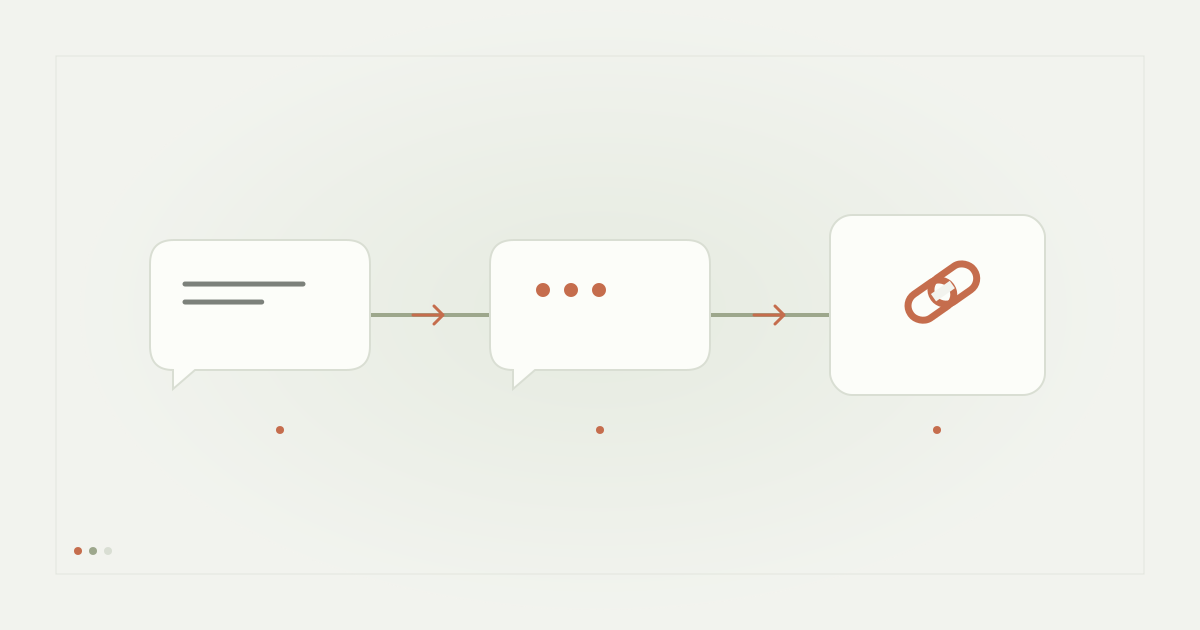
The resource message should deliver what was promised. A web link opens a destination; a reply button produces an interaction. Keep them distinct in the editor and preview. Check the resource on mobile and verify that it is available without an unexpected account or purchase requirement.
Step 4: Add optional steps cautiously
An email question should say why you want the address and what happens after submission. Resource delivery and marketing subscription are separate choices. A follow requirement must use an actual authorized relationship check; pressing “I followed” cannot establish the relationship by itself.
A reminder is not automatically allowed because a person once commented. It requires a supported conversation context, appropriate authorization and a valid messaging window. Begin without reminders if you cannot explain exactly why the recipient is eligible.
Step 5: Save, reload and inspect
Save the draft, navigate away and open it again. Check the account, post, keyword, message content, button labels and destination. A control that looks enabled but loses its value on reload is not ready to use.
Use the preview to catch ordering and copy problems, then treat actual provider delivery as a separate check. Test on the recipient’s normal Instagram app, including Requests. Confirm that a repeated callback does not produce a duplicate message.
Step 6: Launch with a measurable boundary
Confirm commercial access, account permissions, recipient eligibility and a healthy delivery pipeline. Set a small initial cap and a clear pause mechanism. If the provider response is uncertain, do not repeatedly launch a replacement flow; inspect the existing attempt first.
Review matching events and delivery status after launch. Escalate human questions to a real person rather than forcing every response through the resource automation. Keep logs useful without collecting unnecessary private message content.
RelayDM’s present availability
RelayDM offers the account connection, Builder, draft persistence and preview described here. Its baseline text and native reply/URL-button flows have genuine controlled acceptance evidence, while unrestricted customer sending remains closed. Advanced workflow combinations must satisfy their own checks.
You can create a RelayDM account and inspect available features. Read the comment automation guide for trigger design and our lead-generation guide before adding data collection.
Sources and editorial notes
Source review: November 1, 2026. This is research-based guidance, not an independent hands-on test of every product. Prices and permissions can change.
Read our methodology, product-availability policy and corrections process.