 RelayDM
Instagram automation for YouTubers is a cross-platform navigation task: someone likes a short Instagram clip and wants the full video or its supporting resource. A good automation sends them to the correct destination with a clear label. It does not subscribe them to a channel, guarantee a view or perform actions on YouTube.
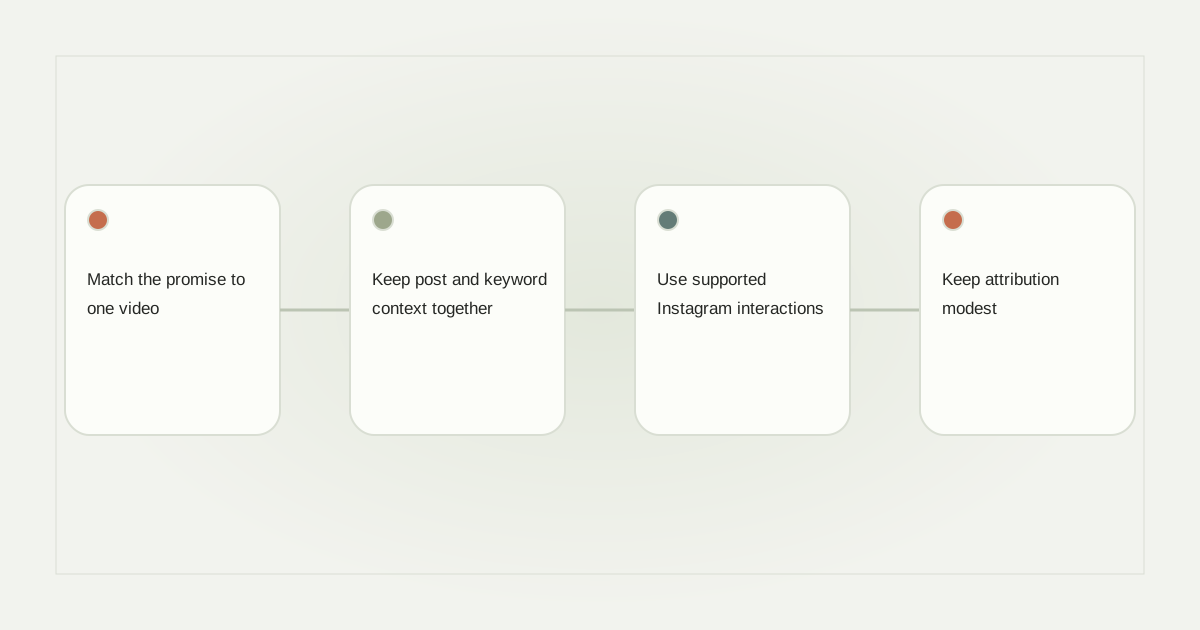
Match the promise to one video
A creator might post a short camera-lighting demonstration and invite “Comment LIGHT for the full tutorial.” The destination should be that tutorial, not a channel page where the person must guess which video they saw. Add an appropriate timestamp when it genuinely helps and remains stable.
If the promised item is a downloadable lighting diagram, distinguish that from the video. Viewers should understand whether the URL opens YouTube, a resource page or a paid product. Avoid presenting a purchase requirement as a free guide after the person has already requested it.
Keep post and keyword context together
Bind the rule to the correct Reel and professional account. Older clips may continue generating comments after new videos are published. A single globally reused keyword can send a new tutorial to someone asking about an older technique unless post context is preserved.
Comment automation for YouTubers should be checked with a sentence containing the keyword, punctuation and an unrelated comment. Do not turn ordinary criticism or a tagged friend into an automatic sales interaction. Keep keyword behavior consistent with the actual published configuration.
Use supported Instagram interactions
The opening reply can identify the tutorial and offer the account’s supported recipient action. The resource message then contains the actual destination. A native reply button and a URL button have different roles, and their compatibility depends on the real message stage.
Instagram DM automation for YouTubers does not create permission to message every channel subscriber. It operates within Instagram’s own recipient and conversation constraints. Avoid tools that promise automatic subscriptions, fabricated engagement or mass outreach as part of sending a requested link.
Keep attribution modest
A tracked link can show visits to a redirect, while YouTube may report its own traffic sources and viewing activity. Those systems measure different things. Do not label every redirect visit as a completed watch, a new subscriber or a sale without authoritative evidence.
If several clips promote the same video, use understandable campaign names and preserve the original destination. A resource page can provide context and alternatives, but it should not disguise an unrelated offer. Open the full path on a phone before the campaign is published.
Review destinations and optional contact requests
When a video is removed, made private or replaced, decide what older requesters should see. A maintained page explaining the change is better than a dead link. Check access requirements if the tutorial is members-only or otherwise limited.
RelayDM’s general customer sending remains gated. This planning guide does not activate YouTube promotion or unrestricted Instagram messaging. If you invite email after a link, make that optional purpose clear and verify the workspace’s actual delivery state before promising an automatic response.
The channel owner should also check the destination after changing a title, playlist or publication status. An old clip can remain discoverable even when the intended long-form video is unavailable. Keep the message honest about what opens now, rather than promising access to a removed tutorial.
For related resource planning, see episode link delivery and attribution boundaries. Review current RelayDM terms separately.
Sources and editorial notes
Source review: November 1, 2026. This is research-based guidance, not an independent hands-on test of every product. Prices and permissions can change.
Read our methodology, product-availability policy and corrections process.