 RelayDM
Instagram story reply automation should respond to what a person actually sent, not treat every Story interaction as the same request. A text reply asking for a checklist provides a different context from a reaction, a mention or a general compliment. Design one narrow response before expanding to other interaction types.
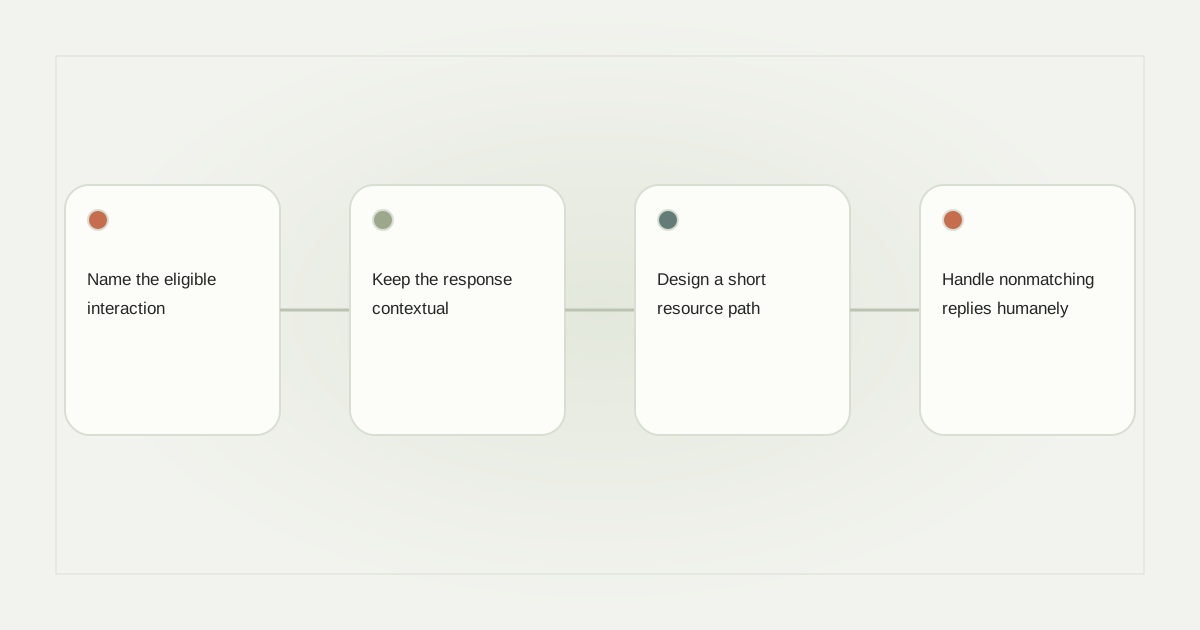
Name the eligible interaction
Write the trigger in plain language: “A person sends the word ROUTE in a supported reply to this travel Story.” That is more precise than “Anyone engages with the Story.” Check what the chosen platform and connection expose, and mark unverified reactions or mentions as unsupported rather than assuming parity.
Meta’s messaging profile documentation describes an interaction-dependent recipient context. It does not establish that every visual engagement in Instagram is an eligible message event for every application. Your actual event evidence must identify the intended person and professional account.
Keep the response contextual
For a Story showing a walking route, the opening could say: “Here is the route map you asked about.” Do not send a generic sales script that ignores the original Story. If the Story mentions several resources, use separate clear invitations or a supported choice rather than guessing which resource the person meant.
A hypothetical hiking creator might use ROUTE for the map and KIT for a public packing list. The two destinations should remain distinct even if the same person requests both. Record which invitation generated each resource request.
Design a short resource path
Make the destination useful on mobile and label it specifically, such as “Open walking map.” Verify access while signed out of the creator’s account. A shared file that only its owner can open defeats an otherwise correct interaction.
Keep optional contact collection separate from the promised resource. A person asking about a Story has not automatically requested newsletter enrollment. The lead-capture guide explains how to state the purpose and preserve a skip choice.
Handle nonmatching replies humanely
“That view is beautiful” is not necessarily a request for a route map. A sad reaction to a personal Story should not trigger a promotional link. Decide which messages the automation ignores and which go to a human. Avoid sending correction prompts to every nonmatching response.
If someone asks a safety or accessibility question that the resource cannot answer, provide a human route. Do not let the automation invent route conditions, current opening hours or personal suitability. Keep the source page responsible for changeable details.
Test the Story context and handoff
Review one matching text, one unrelated text and any interaction type you explicitly intend to support. Inspect actual event association and send evidence rather than relying on a simulated conversation. Confirm duplicate events do not produce repeated maps and that stopping the automation prevents future work.
Our DM workflow overview covers the broader design, while analytics definitions distinguish message acceptance from visits. RelayDM’s general customer sending remains gated. Check current availability before promising a live Story campaign; this guide is an educational plan, not a claim that every Story trigger is enabled.
Sources and editorial notes
Source review: November 1, 2026. This is research-based guidance, not an independent hands-on test of every product. Prices and permissions can change.
Read our methodology, product-availability policy and corrections process.