 RelayDM
A personal Instagram account is not interchangeable with a professional account in an authorized messaging integration. Before buying an auto-reply tool, identify the account type and the exact API context it supports. Do not solve an eligibility problem by handing a password to an unofficial browser bot or assuming a vendor can bypass Meta’s requirements.
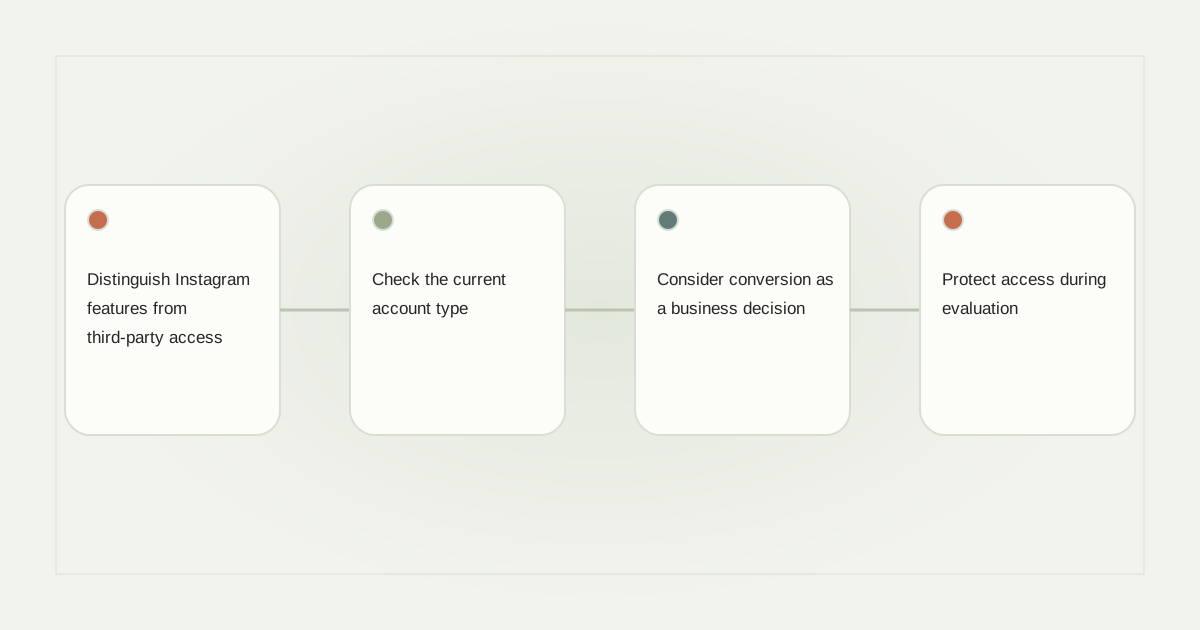
Distinguish Instagram features from third-party access
The Instagram app, Meta’s account-management tools and a third-party automation product do not necessarily expose the same actions. A feature visible in one interface does not establish that an external application may perform it through an API. Ask specifically about the account type and operation you need.
For example, a creator may want to answer a resource request under a Reel. That task is different from sending a welcome message to every follower. A vendor should explain the supported trigger, permissions and recipient interaction rather than promising that any account can automate anything.
Check the current account type
Inspect the account’s settings privately and record whether it is personal, creator or business. Then compare that result with the integration’s documented requirements. Meta’s Instagram Login documentation is the authoritative starting point for professional-account API access.
Do not infer eligibility from a public biography or follower count. A polished profile can still be a personal account, and a small professional account can have the relevant account type. The connection flow should verify the actual authorized identity.
Consider conversion as a business decision
If changing account type is appropriate, review what it means for the way you use Instagram. Check the current settings, available professional features and any relevant account restrictions in the official app. Do not switch an account merely to test an unknown tool without understanding the tradeoffs.
A photographer using one profile for private friends and commercial work may prefer a separate professional presence. Another creator may intentionally choose a creator account. The useful question is which account should own the business workflow, not simply which button removes an error message fastest.
Protect access during evaluation
Connect through the official authorization flow for the chosen integration. Review requested permissions and keep account recovery methods under your control. A legitimate evaluation should not require sending a password, recovery code or access token to a sales representative.
Keep a record of connected applications and who administers them. If a team member leaves, use the proper access-management process rather than changing the business identity inside an automation draft. Account ownership and customer-resource history should not be casually moved between unrelated workspaces.
Use a supported manual path when automation is unavailable
If the account does not qualify, a clear profile link, a public information page or a human response may fulfill the resource request without pretending automation is enabled. Keep expectations honest: “The guide is linked in our profile” is different from “A bot will message you immediately.”
Read the API buyer’s guide and messaging limitations before choosing a product. An unsupported account should produce an actionable explanation, not an endless spinner or a cosmetic enabled toggle.
Verify the exact workflow after connecting
A successful connection is only the beginning. Check the correct post, rule, supported message format and recipient path using the provider’s requirements. RelayDM’s public sending remains gated, so account connection alone does not unlock every delivery flow. Review current availability and the DM setup guide before making an operational commitment.
Sources and editorial notes
Source review: November 1, 2026. This is research-based guidance, not an independent hands-on test of every product. Prices and permissions can change.
Read our methodology, product-availability policy and corrections process.