 RelayDM
Instagram DM automation for restaurants is most useful when it sends reliable information: a current menu, accurate opening hours or the restaurant’s real reservation page. It is less useful when it promises a table that the booking system cannot reserve. Build the workflow around information the restaurant can maintain, with a clear route to staff for exceptions.
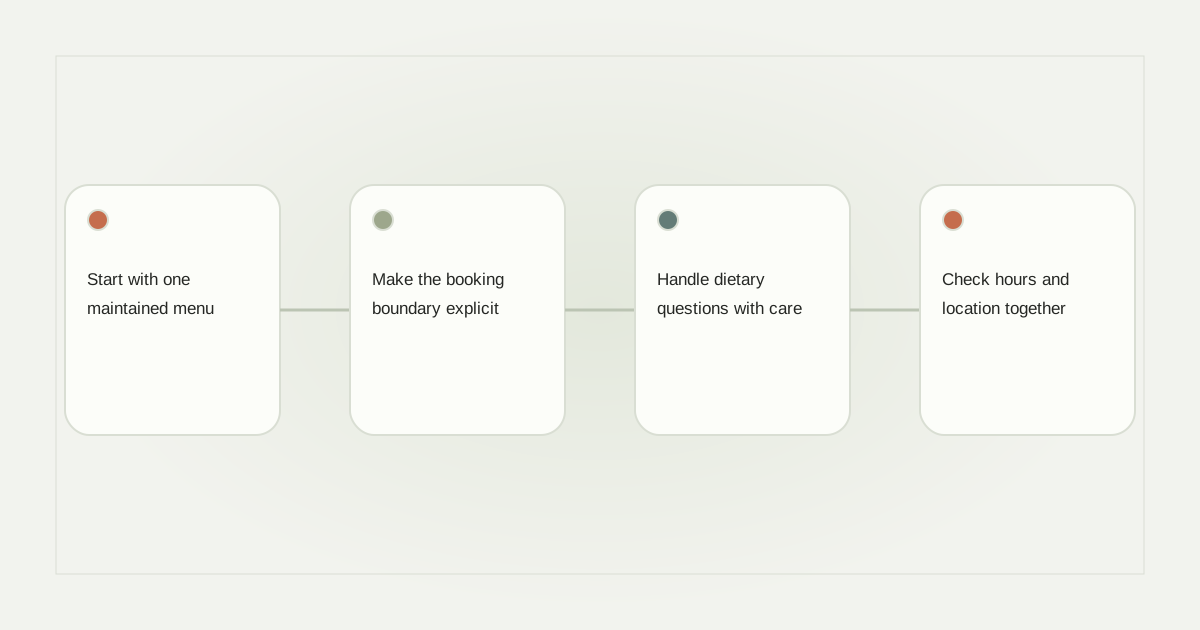
Start with one maintained menu
Use an accessible web menu where possible, with prices and dietary labels maintained by the restaurant. If the menu is a PDF, inspect it on a small phone screen and provide a way to ask for an accessible alternative. An image of tiny text may look attractive in a post but be difficult to use in a conversation.
A lunch Reel could invite “Comment LUNCH for this week’s menu.” Set an owner for updating the linked page before the next menu change. Keep a date on seasonal specials and avoid reusing an old offer after the kitchen has stopped serving it.
Make the booking boundary explicit
The resource reply can contain two clearly described destinations if the actual message format supports them: the menu and the reservation page. Check the permitted number and type of buttons in the account’s live context. Otherwise use a simpler supported delivery rather than fake interactive controls.
An automated restaurant enquiry should lead to the authoritative reservation system when the customer wants to book. The DM itself is not a booking confirmation. If customers can request a table through a form, call it a request and explain where they will receive confirmation.
Handle dietary questions with care
Do not let a generic automated answer guarantee that a dish is safe for an individual allergy. Ingredient substitutions, preparation methods and cross-contact questions require current kitchen information. Give the person the restaurant’s appropriate contact channel and make staff responsible for the answer.
The same applies to accessibility arrangements, large parties and special events. A menu link can answer routine questions, but a human should confirm what the venue can actually accommodate. Keep that escalation route visible instead of burying it in a long marketing message.
Check hours and location together
Restaurants with more than one branch should identify the location in the post, message and booking destination. A Friday opening time for one branch may not apply to another. Include the local time context for holiday hours and remove temporary notices after the event.
Comment automation for restaurants can use a location-specific keyword, but keyword matching is not a substitute for checking the selected post. Test an old Reel as well as the current promotion. A customer who finds an older video should still reach an honest page.
Count the outcome you can verify
Keep menu requests, reservation-page visits and confirmed bookings separate in reporting. Unless the booking system provides trustworthy connected evidence, do not label a DM click as a seated guest. Staff can review genuine enquiries to find missing information in the menu or website.
RelayDM’s restaurant draft can organize the proposed conversation, while general customer sending remains gated. Review the available account permissions and delivery state before launch. An eligible introductory trial is seven days, not a permanent free restaurant automation plan.
Use the location information guide and support escalation checklist to divide automated answers from staff work. Check current RelayDM terms separately.
Sources and editorial notes
Source review: November 1, 2026. This is research-based guidance, not an independent hands-on test of every product. Prices and permissions can change.
Read our methodology, product-availability policy and corrections process.